QR menu or printed menu: what suits your tables?
A QR menu changes in a minute and shows photos. A printed menu works without a phone and feels like hospitality. Here is where each one is stronger, and why many tables need both.
- Changing a dish, a price or a photo.
- Guests with no phone, no signal or no patience.
- A card for when a printed menu is better.
- What a QR menu does and does not do in Zovi.
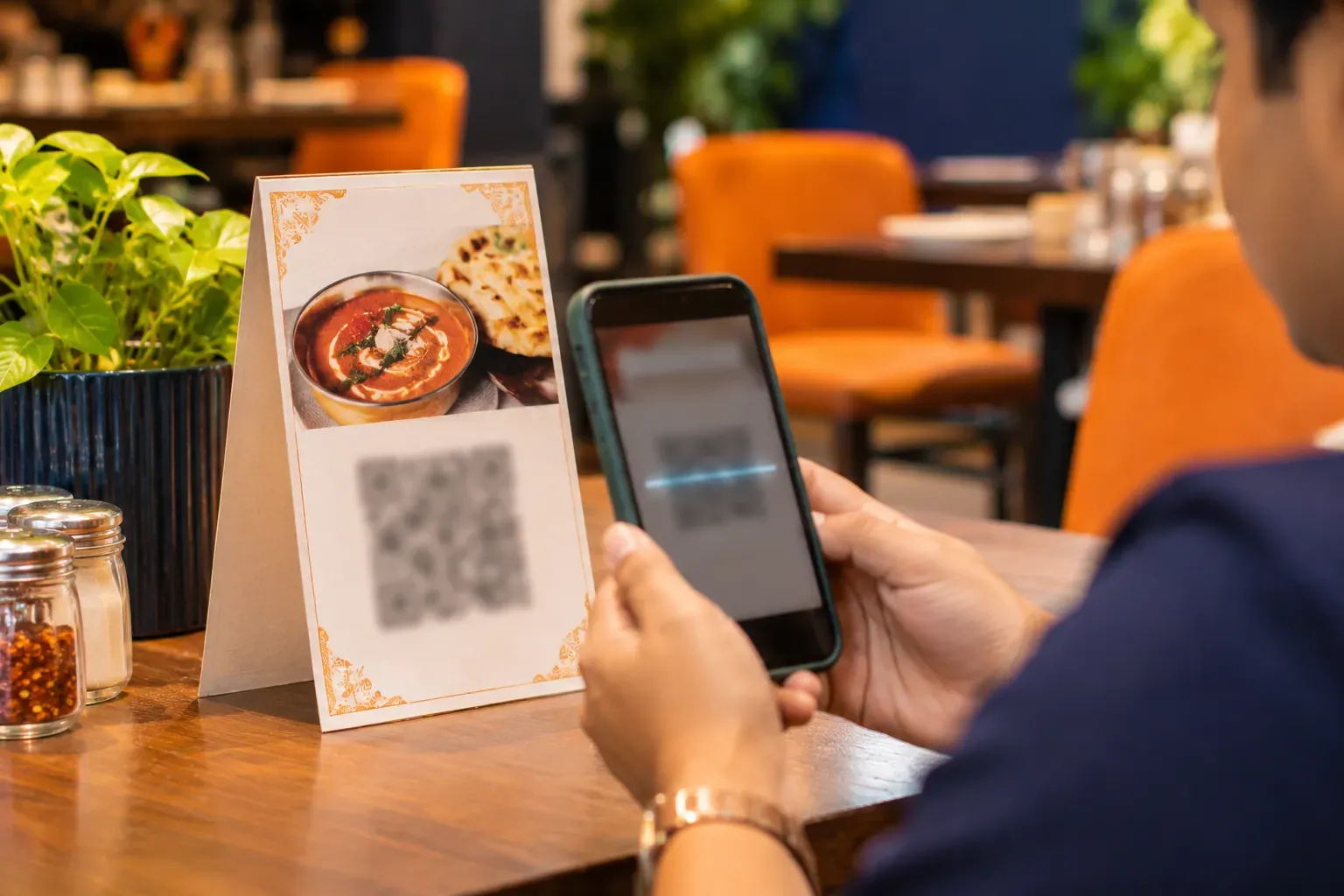
A QR menu is a code on the table that opens your menu on the guest’s phone. A printed menu is paper on the table. The QR menu is quick to change and can show photos. The printed menu needs no phone and no signal. Many tables do well with both.
The two options, row by row.
| What we compare | A QR menu with Zovi | A printed menu |
|---|---|---|
| Changing a dish or a price | You change the menu once, in Zovi Business. The QR card stays the same. | You reprint the card, or write over it. Old cards must be collected. |
| Photos | Your menu shows its photos on the phone. | Photos cost more to print, so many printed menus have none. |
| Guests with no phone or no signal | The guest cannot read the menu. Keep a paper card for them. | Works for every guest, in any light, without a signal. |
| Feel at the table | Quick and clean, but a phone screen can feel less personal. | Warm and familiar. A good card says something about the place. |
| Wear and replacing | The QR card is printed once. You replace it only if it is worn. | Cards get stained and bent, and need to be replaced as they wear out. |
| Ordering | The QR menu opens to read. Guests place orders on your website, not on the QR menu. | The server takes the order at the table. |
| What guests can read | The menu you publish, on any guest phone that can scan a code. | The menu as printed on the day. It cannot show a dish that you added later. |
Which one is better for you?
When a QR menu is the better choice
The Zovi side of this choice- Your menu or prices change often.
- You want photos beside the dishes.
- You have many tables and would rather not reprint many cards.
- Your guests are comfortable scanning a code.
- You want one menu to keep in step across tables and your website.
When a printed menu is the better choice
The other side, when it wins- Your guests are often older, or do not carry a smartphone.
- Your room has a weak mobile signal.
- Your place sells warmth and ceremony, and paper is part of it.
- Your menu is short and rarely changes.
- You want a keepsake menu that guests may take with them.
What a QR menu is in Zovi.
QR cards for your tables
QR Studio makes table QR cards that open your menu on the guest phone to read.
One menu to maintain
You run your menu, orders, website and payments in Zovi Business, the app for restaurants that do not have a POS.
The same menu on your website
Your restaurant gets its own website on its own address, such as yourname.zovi.food.
Ordering lives on the website
Guests can order for pickup or delivery from your website, and pay online or in cash.
Booking before they arrive
Guests can book a table, with an advance and cancellation terms that you set.
Your own Razorpay account
Payments go to your own Razorpay account, which charges its own payment fees.
A quick way to choose.
- You change the menu every week.QR menu
- Many of your guests are elderly.Printed menu
- You want photos of every dish.QR menu
- Your room has poor signal.Printed menu
- You want a quiet, old-style look.Printed menu
- You want a simple setup for every table.Both
A card on each table with both.
The easy answer is to use both. Keep one short printed card for guests who prefer paper, and put a QR code on it for guests who want the full menu with photos.
The printed card then changes rarely, because the QR menu behind it carries the changes. You reprint only when the look needs a refresh.
Good to know
- A QR menu in Zovi is for reading. It does not take orders at the table. Orders are placed on your website.
- The QR menu needs a guest phone that can scan a code, and a signal.
- Zovi Business is for restaurants with no POS. If you use a POS, use Zentaro Serve.
- Zovi is launching in 2027.
Common questions.
Can guests order from the QR menu?
No. QR Studio makes table QR cards that open your menu on the guest phone to read. Guests place orders on your website.
Do I still need a printed menu?
It helps. Some guests have no phone or no signal. A short printed card with a QR code on it covers both kinds of guest.
How do I change a dish on the QR menu?
You change your menu once, in Zovi Business. The QR card on the table stays the same.
Who makes the QR cards?
You do, in QR Studio. It makes table QR cards that you print and put on your tables.
Tell us what you run today.
Zovi is launching in 2027. Tell us about your business and we will get in touch.
Last updated: