
An online ordering system for your restaurant
Guests order pickup or delivery from your own restaurant ordering website and pay online or in cash. The order comes to you, and the guest follows each step.
- Pickup and delivery orders.
- Pay online or in cash.
- Zovi takes no commission on orders.
- Payments go to your own Razorpay account, which charges its own payment fees.
A menu that sells, with an Add button on every dish.
Guests see your dishes with photos and prices, add them to the cart and check out in three steps. You accept or decline each order in Zovi Business.
- Guests choose pickup or delivery in the cart.
- Checkout has three steps: details, payment and review.
- The review step shows your cancellation terms.
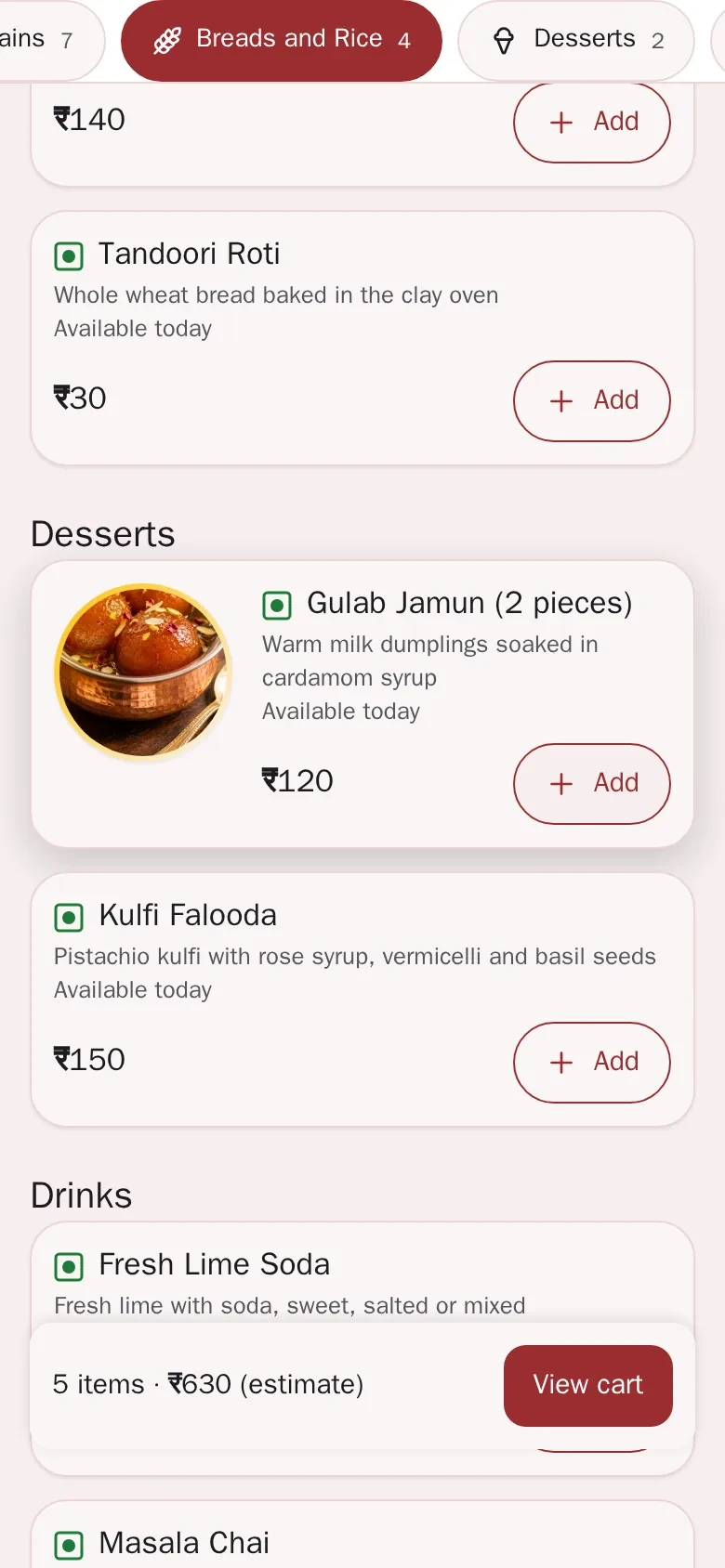
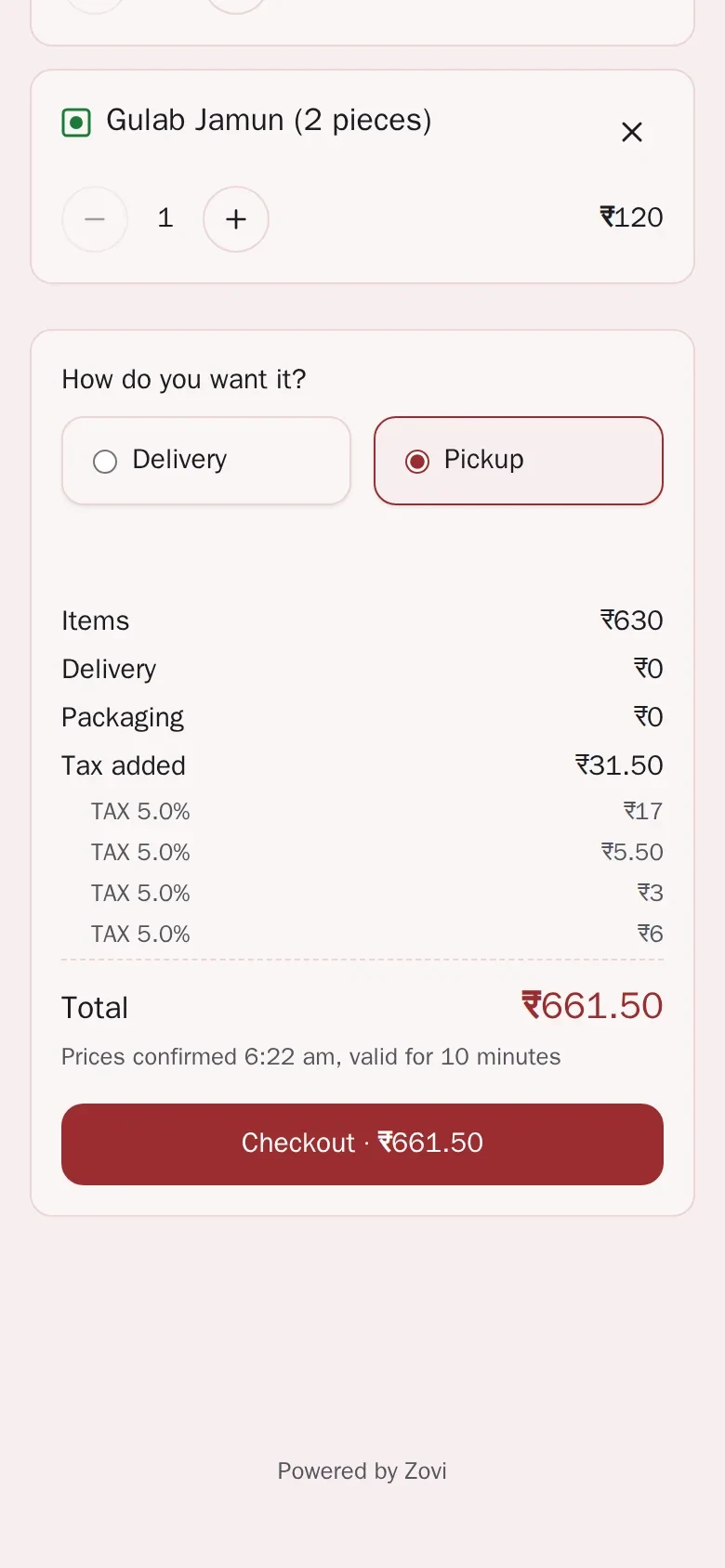
App screens with sample data
What the ordering page does.
Pickup or delivery
Guests can order for pickup or delivery from your website, and pay online or in cash.
A menu you control
You add categories, dishes and modifiers in Zovi Business, and you can import a menu.
Three-step checkout
Guests choose pickup or delivery in the cart, then check out in three steps: details, payment and review.
You accept each order
New orders appear in Zovi Business. You accept or decline each one.
Your own delivery fee and radius
You set your own delivery fee and delivery radius.
Guests follow the order
Guests follow each order from placed to completed.
What happens to an order.
The guest adds dishesguest
The guest opens your page, adds dishes to the cart and chooses pickup or delivery.
The guest paysguest
The guest pays online or in cash, in the ways you offer. Online payment turns on once your Razorpay account is active.
You accept the orderyou
The order lands in Zovi Business. You accept it or decline it.
You prepare ityou
You mark the order as being prepared, then ready.
The guest collects or receives itguest
The order ends as picked up or on the way, then completed. The guest sees each step.
No commission on orders.
Zovi takes no commission on orders.
Guests pay your restaurant directly. The food money is yours.
Your own Razorpay account.
Payments go to your own Razorpay account, which charges its own payment fees.
Pricing is coming soon. We will share it when Zovi launches in 2027.
The ordering screens.
A guest adds dishes on the menu, then reviews the order before placing it.
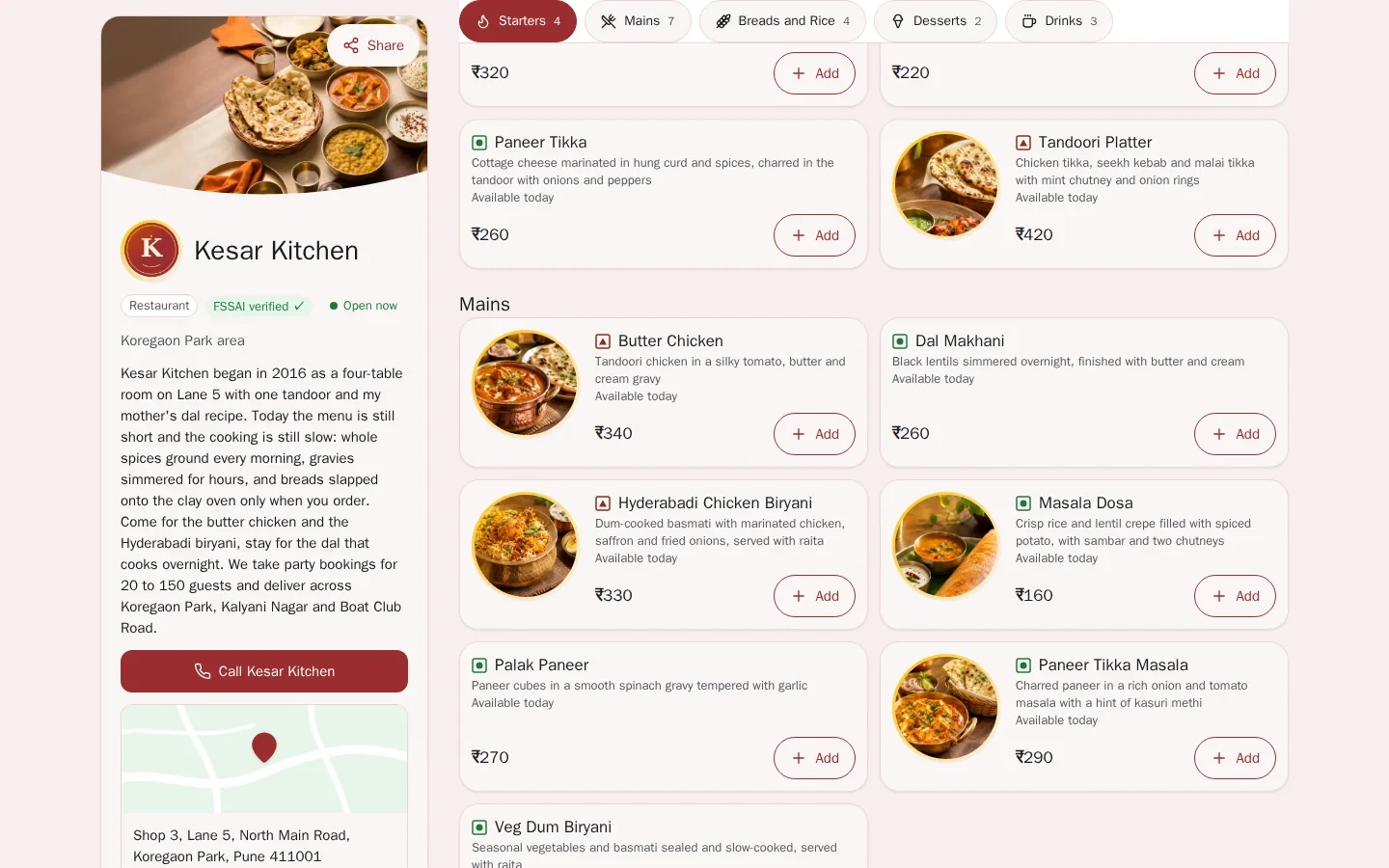
App screen with sample data
Good to know
- Delivery is done by your own riders. Zovi does not provide a delivery fleet.
- Online payment turns on once your Razorpay account is active. Until then guests can pay in cash.
- Delivery can be switched on or off for your market and for your restaurant.
Common questions.
Can guests order for pickup and delivery?
Yes. Guests can order for pickup or delivery from your website, and pay online or in cash.
Does Zovi take a commission on my online orders?
Zovi takes no commission on orders. Payments go to your own Razorpay account, which charges its own payment fees.
What steps does the guest see after ordering?
The guest sees six steps: Order placed, Accepted, Being prepared, Ready, On the way or Picked up, and Completed.
Do I accept each order?
Yes. New orders appear in Zovi Business, and you accept or decline each one.
Who delivers my orders?
Your own riders deliver them. Zovi does not provide a delivery fleet.
Take orders on your own website.
Zovi launches in 2027. Tell us what you run today and we will get in touch.
Last updated: