Restaurant online payments that go to your own account
Guest payments go to your own Razorpay account, so the food money is yours. Zovi takes no commission on orders. Your Razorpay account charges its own payment fees.
- Zovi takes no commission on orders.
- Payments go to your own Razorpay account, which charges its own payment fees.
- Guests can also pay in cash.
- Card and bank details go to Razorpay, not to Zovi.
You paste your own keys, once.
In Zovi Business you paste the keys from your own Razorpay dashboard. Zovi uses them only to take payments for your orders. Online payment turns on once your Razorpay account is active.
- Guests pay your restaurant directly.
- You choose which ways to pay you offer.
- Cash is an option for pickup and for delivery.
App screens with sample data
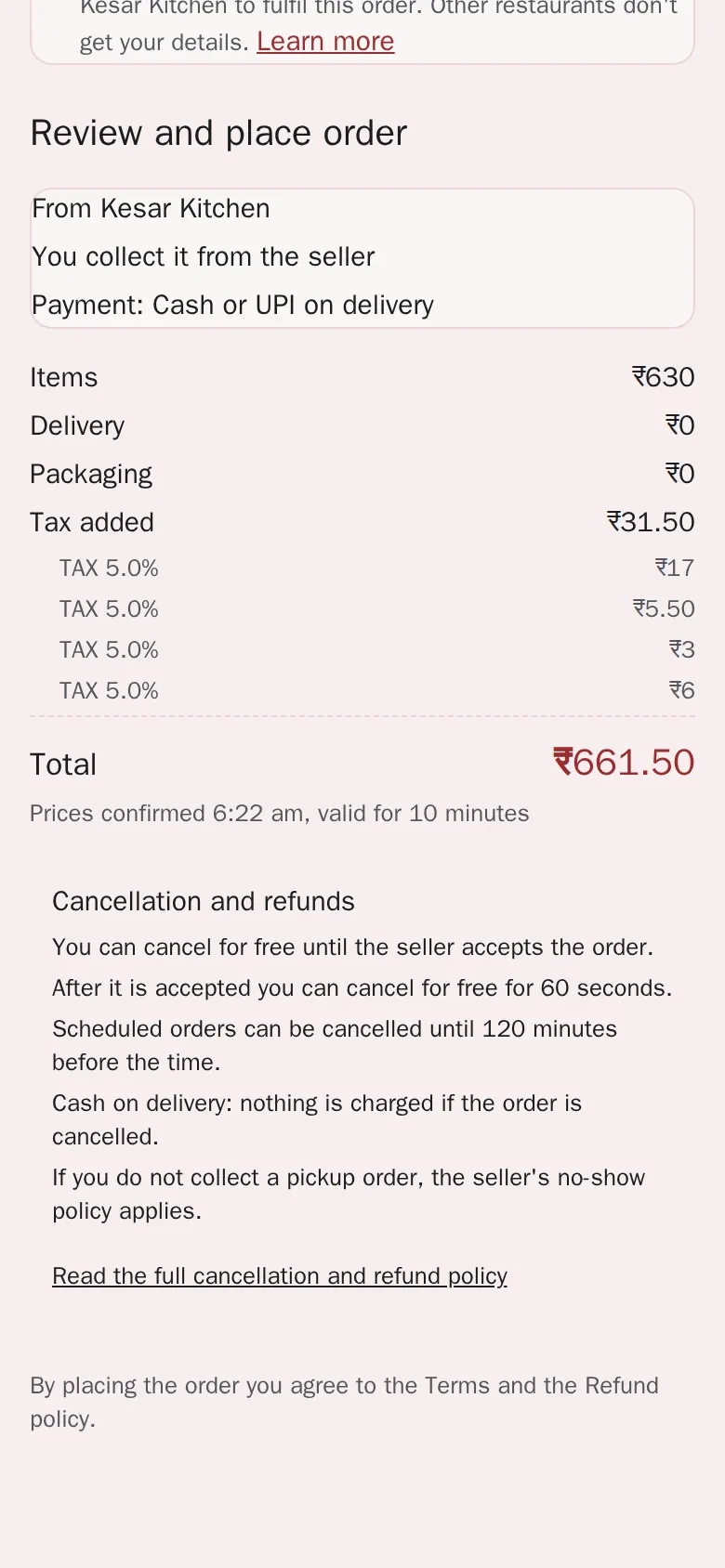
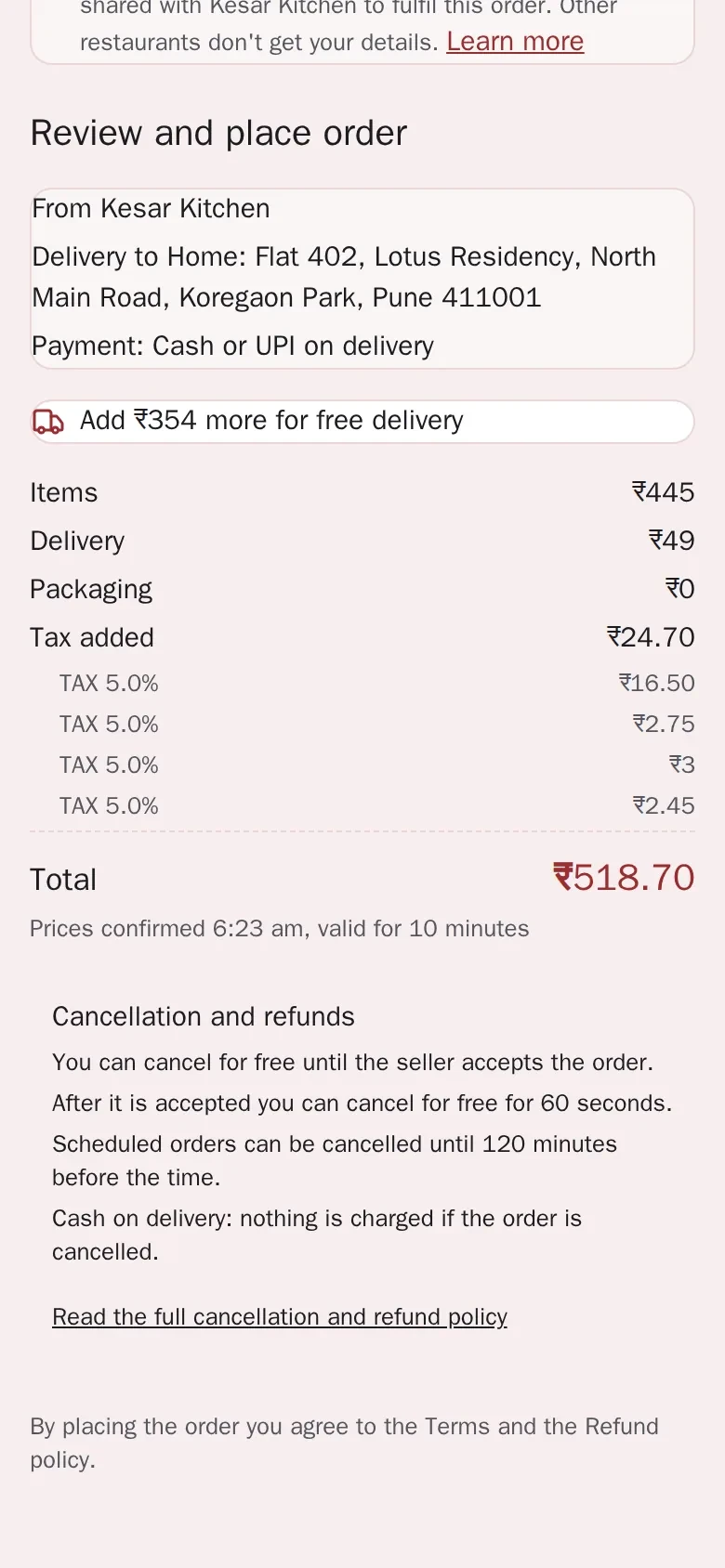
How payments work.
No commission
Zovi takes no commission on orders. Payments go to your own Razorpay account, which charges its own payment fees.
Your own Razorpay account
Payments go to your own Razorpay account, which charges its own payment fees.
Your keys, used for your orders
You paste the keys from your own Razorpay dashboard into Zovi Business. They are used only to take payments for your orders.
Active account needed
Online payment turns on once your Razorpay account is active.
Online or cash
Guests can pay online or with cash, and you choose which ways to offer.
Card details stay with Razorpay
Card and bank details go to Razorpay. Zovi never sees or keeps them.
From a Razorpay account to your first payment.
Have an active Razorpay accountyou
You open and manage your own Razorpay account. Razorpay charges its own payment fees.
Paste your keys into Zovi Businessyou
Copy the keys from your Razorpay dashboard into Zovi Business, under Payments.
A guest paysguest
At checkout the guest pays online or chooses cash, in the ways you offer.
The money goes to youyou
Online payments go to your own Razorpay account. Zovi takes no commission on orders.
No commission on orders.
Zovi takes no commission on orders.
Guests pay your restaurant directly. The food money is yours.
Your own Razorpay account.
Payments go to your own Razorpay account, which charges its own payment fees.
Pricing is coming soon. We will share it when Zovi launches in 2027.
Good to know
- Zovi takes no commission on orders. Payments go to your own Razorpay account, which charges its own payment fees.
- Online payment needs an active Razorpay account. Until then guests can pay in cash.
- Pricing is coming soon. We will share it when Zovi launches in 2027.
Common questions.
Does Zovi take a commission on orders?
Zovi takes no commission on orders. Payments go to your own Razorpay account, which charges its own payment fees.
Whose Razorpay account is used?
Yours. You paste the keys from your own Razorpay dashboard into Zovi Business, and guest payments go to your account.
What does Razorpay charge?
Your own Razorpay account charges its own payment fees. Check your Razorpay account for the current fees.
When can guests pay online?
Online payment turns on once your Razorpay account is active. Guests can also pay in cash, if you offer it.
Does Zovi see my guests' card details?
No. Card and bank details go to Razorpay. Zovi never sees or keeps them.
Get paid straight into your own account.
Zovi launches in 2027. Tell us what you run today and we will get in touch.
Last updated: