
A restaurant app for businesses without a POS
Zovi Business is the app for restaurants that do not have a POS. You run your menu, orders, website and payments in it, and manage orders on your phone.
- Menu, page editor and your own link.
- Orders, riders and offers.
- QR Studio and events add-on.
- Your own Razorpay keys for payments.
Everything you need to sell online, in one app.
Zovi Business is for restaurants and home kitchens that do not use a POS. It does not do billing, a kitchen screen or stock. It runs your Zovi website and the orders that come from it.
- See each order, accept or decline it, and follow its steps.
- Assign a rider on a delivery order.
- Set your own refund terms.
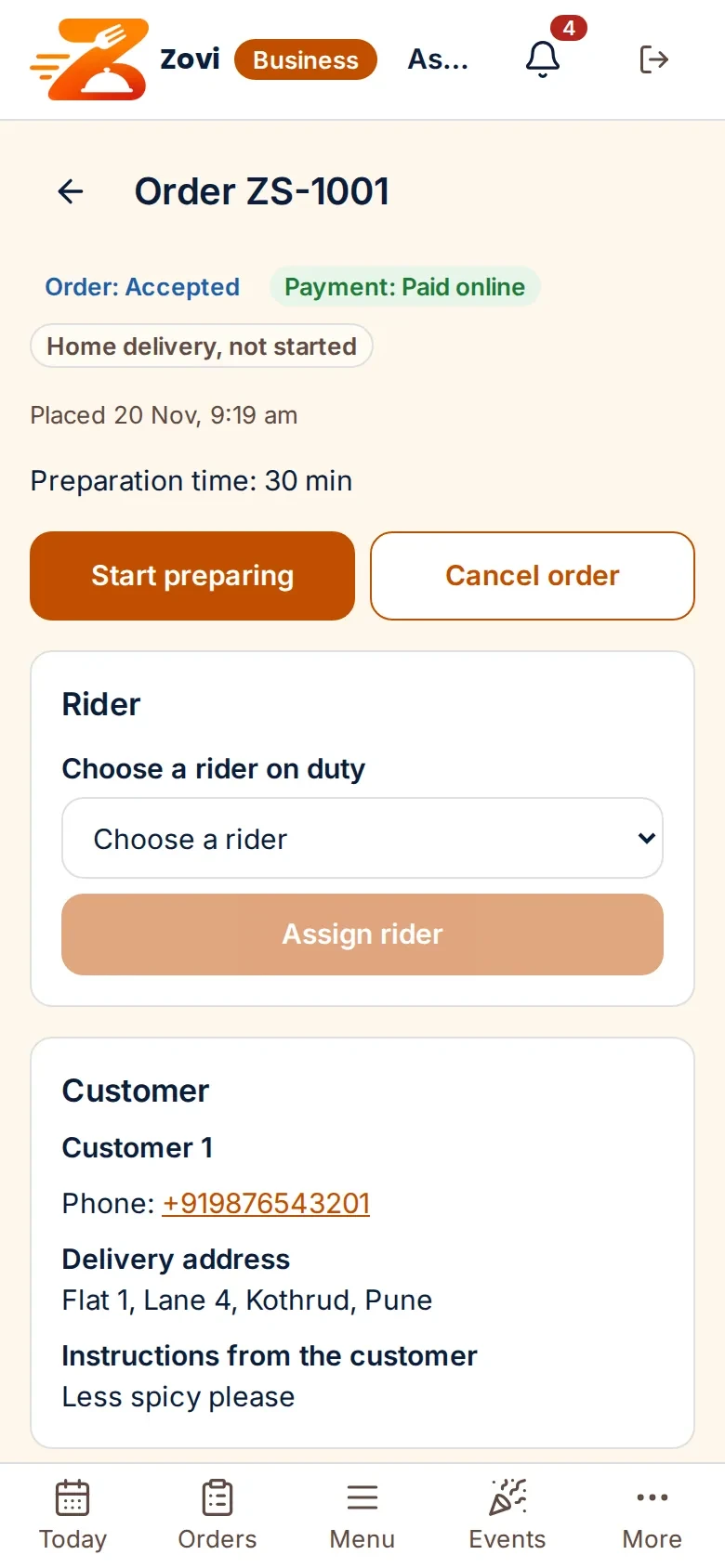
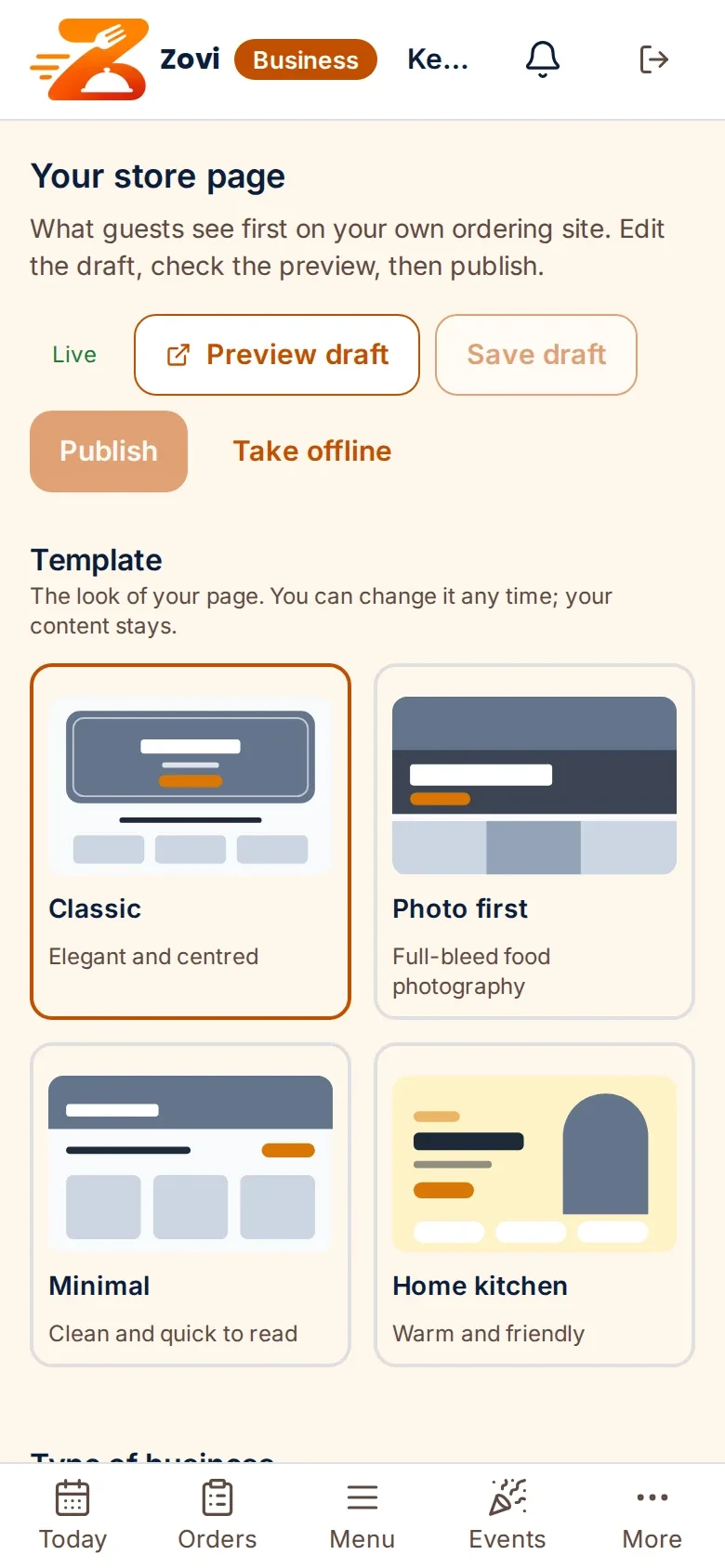
App screens with sample data
What is in Zovi Business.
Your menu
You add categories, dishes and modifiers, and you can import a menu.
Your website
Pick one of four page templates and one of nine colour themes, add your photos, then preview and publish.
Your orders
New orders appear in Zovi Business. You accept or decline each one.
Your riders
You pair your own riders, assign a rider on an accepted delivery order, and use delivery codes.
QR Studio
QR Studio makes table QR cards that open your menu on the guest phone to read.
Your Razorpay keys
You paste the keys from your own Razorpay dashboard into Zovi Business. They are used only to take payments for your orders.
Getting started in Zovi Business.
Choose your link nameyou
You choose the name of your address, and the page checks at once that it is free.
Add your menuyou
Add categories and dishes with prices. You can import a menu.
Set up your pageyou
Choose a template and a theme, add your photos, preview and publish.
Add your Razorpay keysyou
Paste the keys from your own Razorpay dashboard. Online payment turns on once your account is active.
Run your ordersyou
Accept orders, prepare them, assign riders and follow each step.
The page editor.
Pick a template and a theme, add your photos, preview the draft and publish.
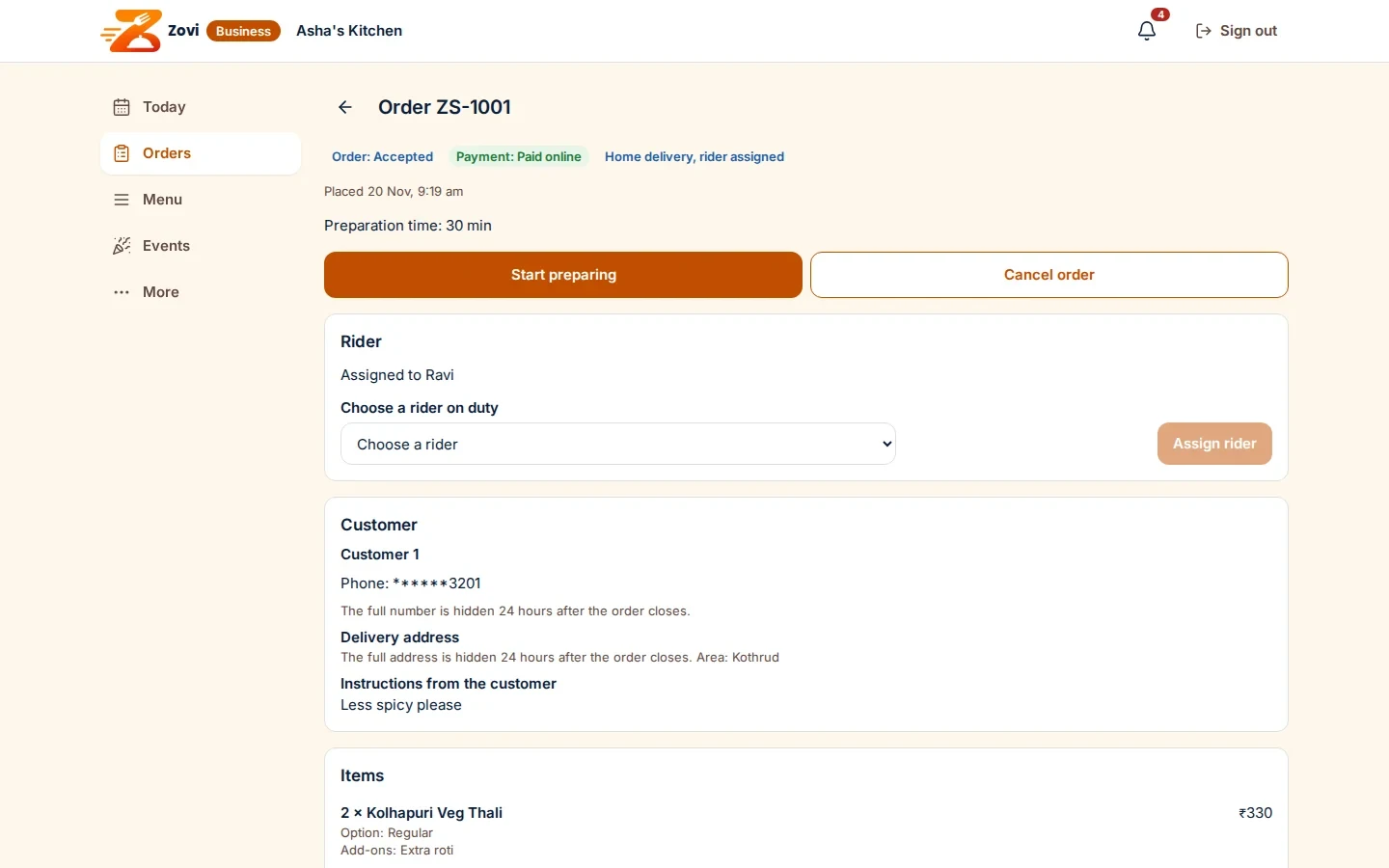
App screen with sample data
Good to know
- Zovi Business is not a POS. It has no billing, no kitchen screen and no stock.
- A restaurant that uses a POS cannot use Zovi Business. It manages everything in Zentaro Serve.
- Events are an add-on, and they are off until you switch them on.
Common questions.
What is Zovi Business?
Zovi Business is the app for restaurants that do not have a POS. You run your menu, orders, website and payments in it.
Can I use Zovi Business if I have a POS?
No. A restaurant that uses a POS manages everything in Zentaro Serve. Your menu and prices come to Zovi from there.
Is Zovi Business a POS?
No. It does not do billing, a kitchen screen or stock. For a full POS, use Zentaro Serve.
Can I run offers?
Yes. You can run your own offers in Zovi Business.
Where do I add my Razorpay keys?
In Zovi Business, under Payments. Paste the keys from your own Razorpay dashboard. They are used only to take payments for your orders.
Run your restaurant without a POS.
Zovi launches in 2027. Tell us what you run today and we will get in touch.
Last updated: