Your own restaurant website, on your own address
Zovi is a restaurant website builder made for India. You pick a template and a colour theme, add your photos, and publish a page that takes orders and bookings.
- Your address, such as yourname.zovi.food.
- Four page templates and nine colour themes.
- Preview the page as a draft, then publish.
- Orders and bookings come straight to you.
Set up your page in one place.
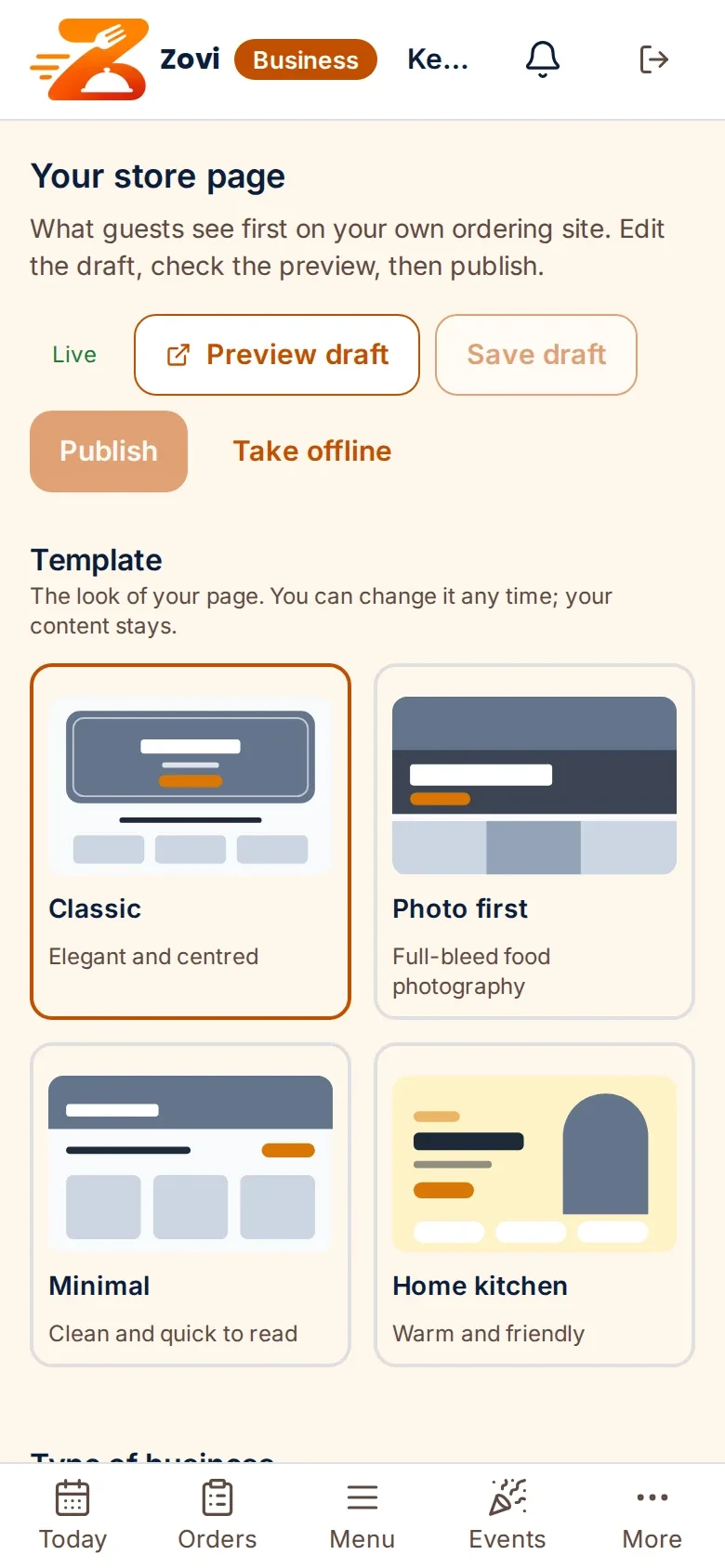
The page editor lives in Zovi Business, the app for restaurants that do not have a POS. Change a photo or a line of text, check the preview, and publish when you are ready.
- Add your logo, a hero photo, a tagline and an about text.
- Add a gallery and your social links.
- Take the page offline whenever you want.
App screens with sample data
What an own website for your restaurant gives you.
Your own address
Your restaurant gets its own website on its own address, such as yourname.zovi.food.
Four templates, nine themes
Pick one of four page templates and one of nine colour themes, add your photos, then preview and publish.
Your photos and words
You add your logo, a hero photo, a tagline, an about text, a gallery and your social links.
Orders on the page
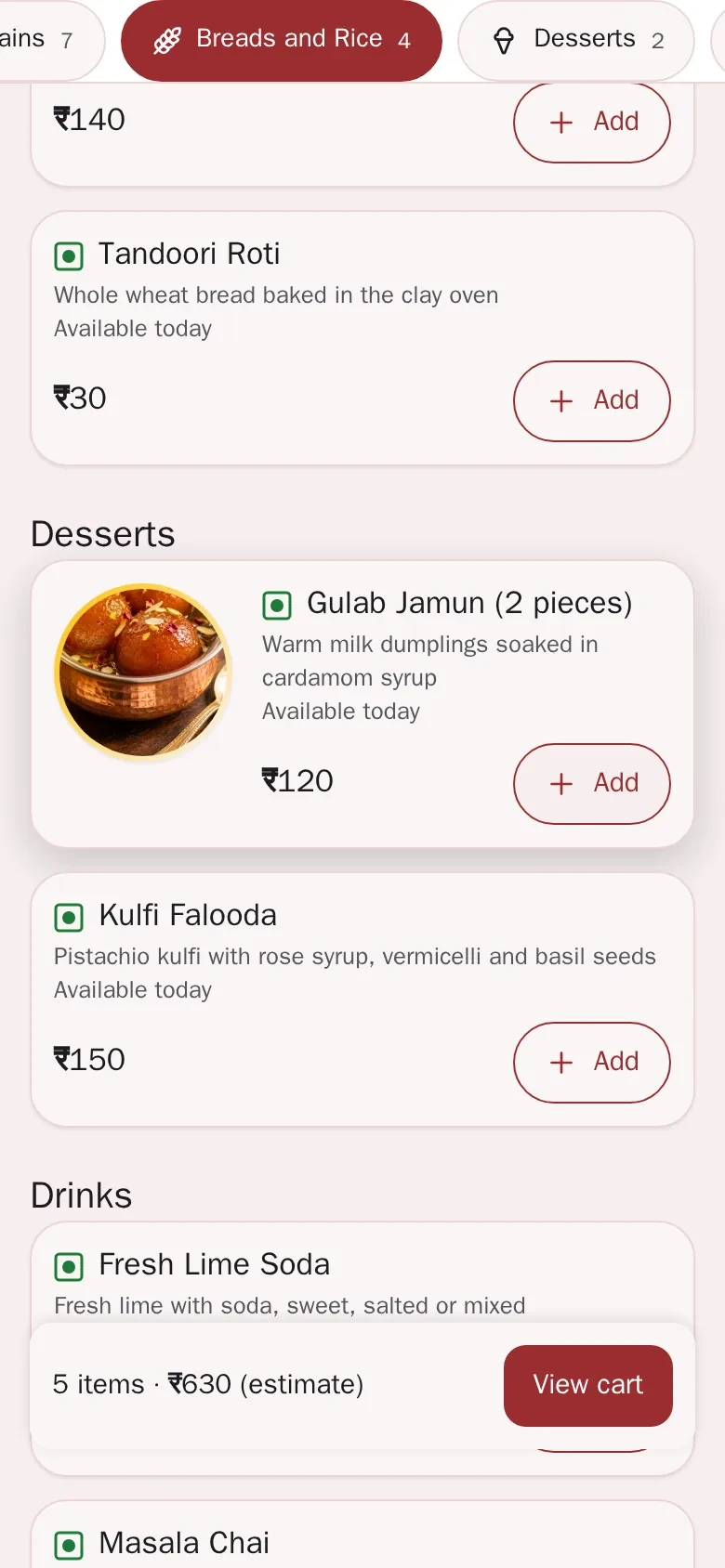
Guests can order for pickup or delivery from your website, and pay online or in cash.
Table booking on the page
Guests can book a table, with an advance and cancellation terms that you set.
Check the link name at once
You choose the name of your address, and the page checks at once that it is free.
From a link name to a published page.
Choose your link nameyou
Use lowercase letters, numbers and single hyphens, from 3 to 30 characters. The page checks that the name is free.
Pick a template and a themeyou
Choose one of four page templates and one of nine colour themes.
Add your photos and wordsyou
Add your logo, a hero photo, a tagline, an about text, a gallery and your social links.
Preview the draftyou
Look at the page as your guests will see it before anybody else can.
Publishguest
Publish the page. Guests can open it, read your menu and order or book.
Pick the look that fits your restaurant.
Classic, Photo first, Minimal and Home kitchen. Each has nine colour themes, and you can change both at any time.
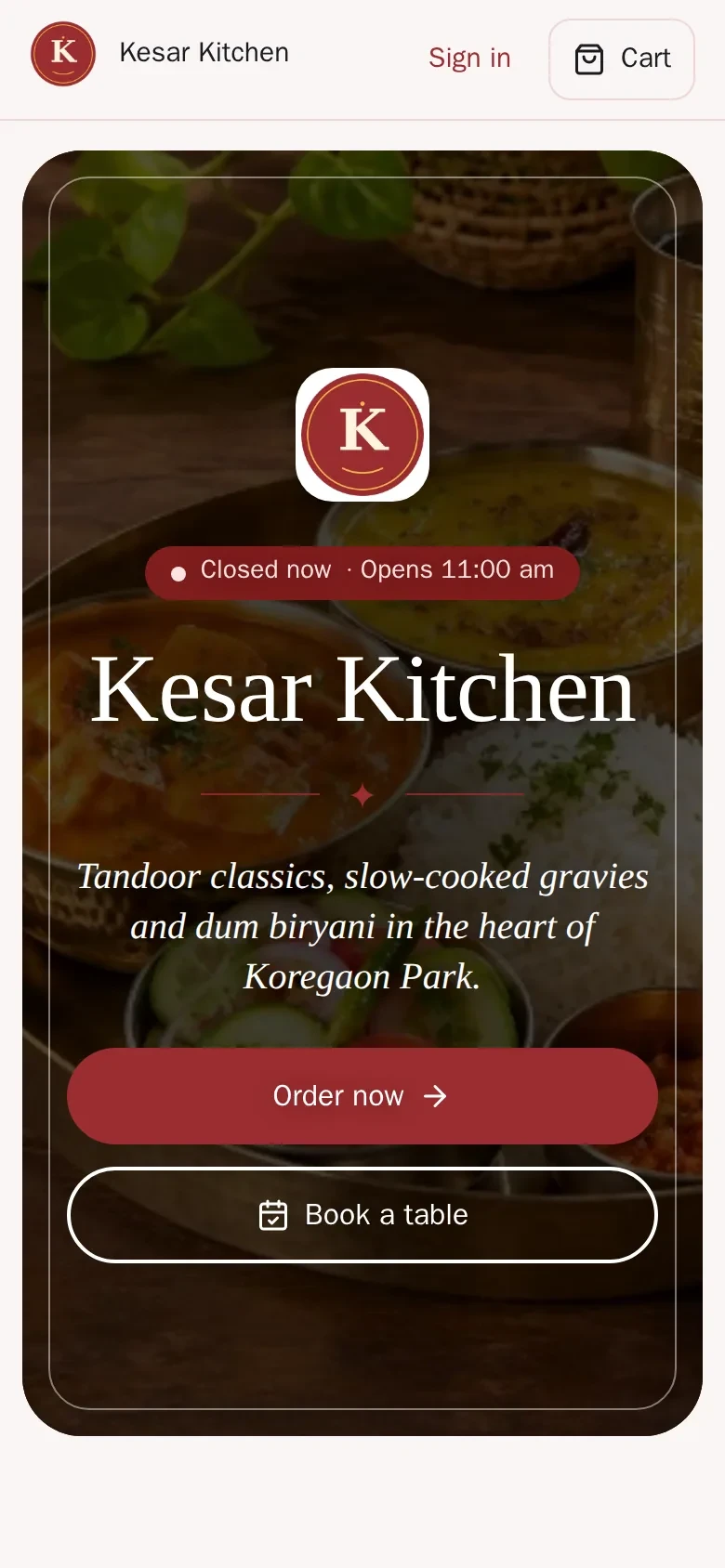
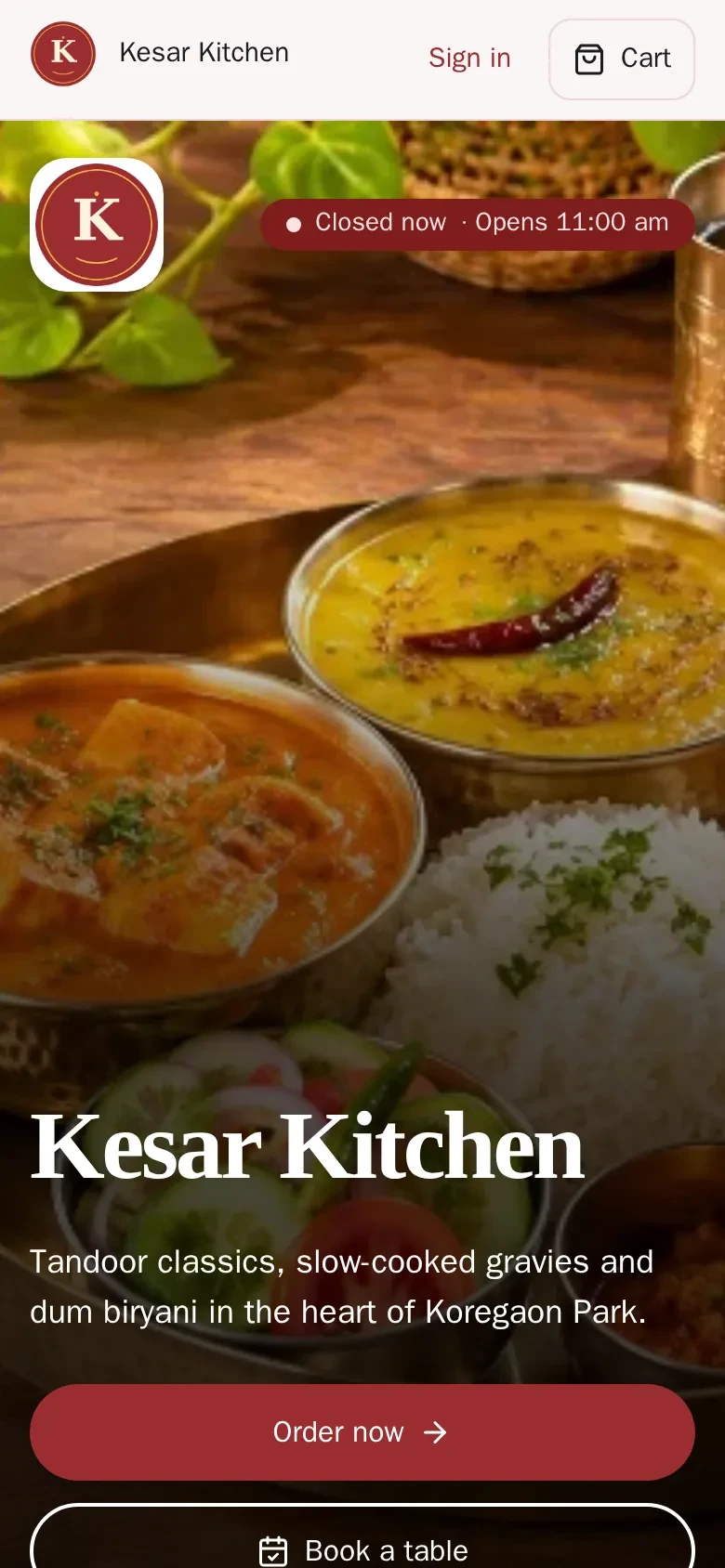
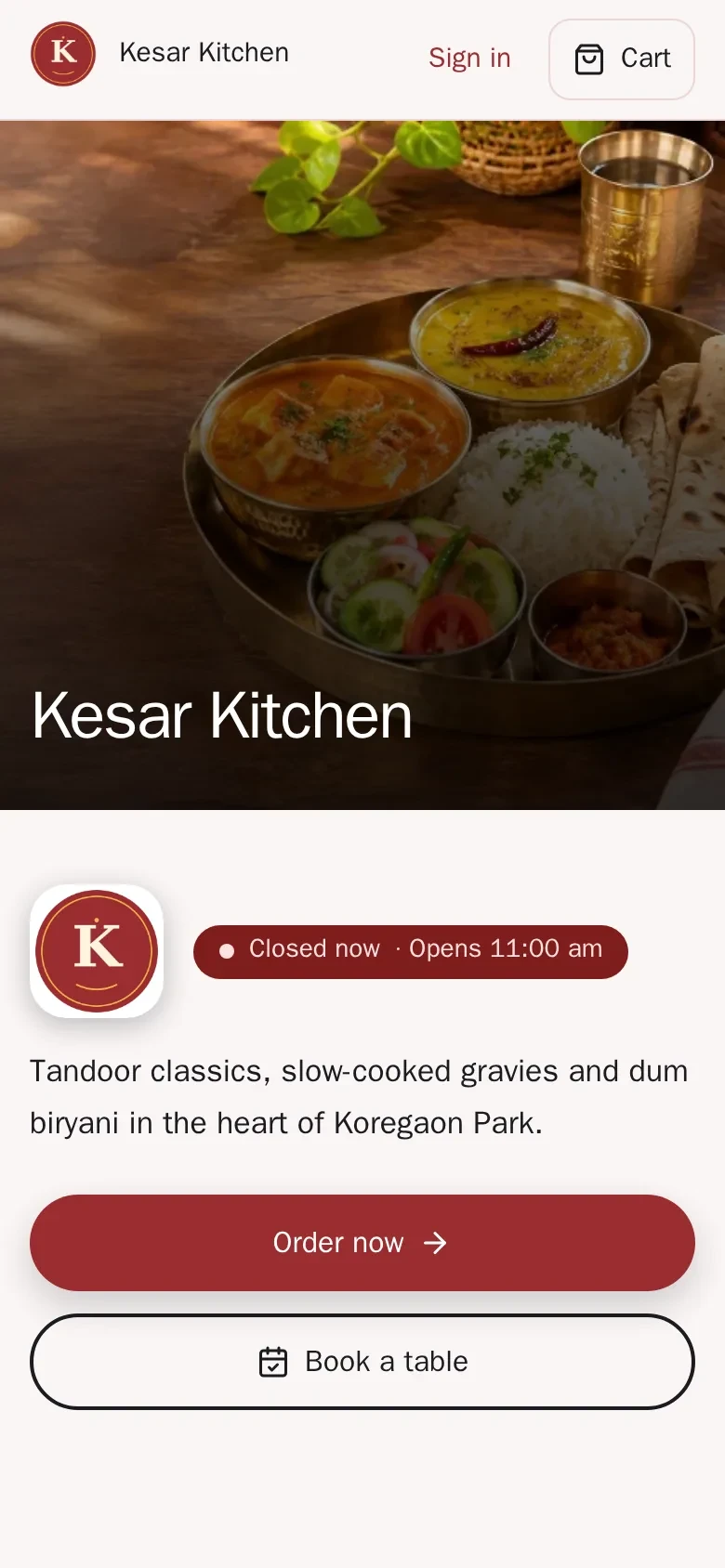
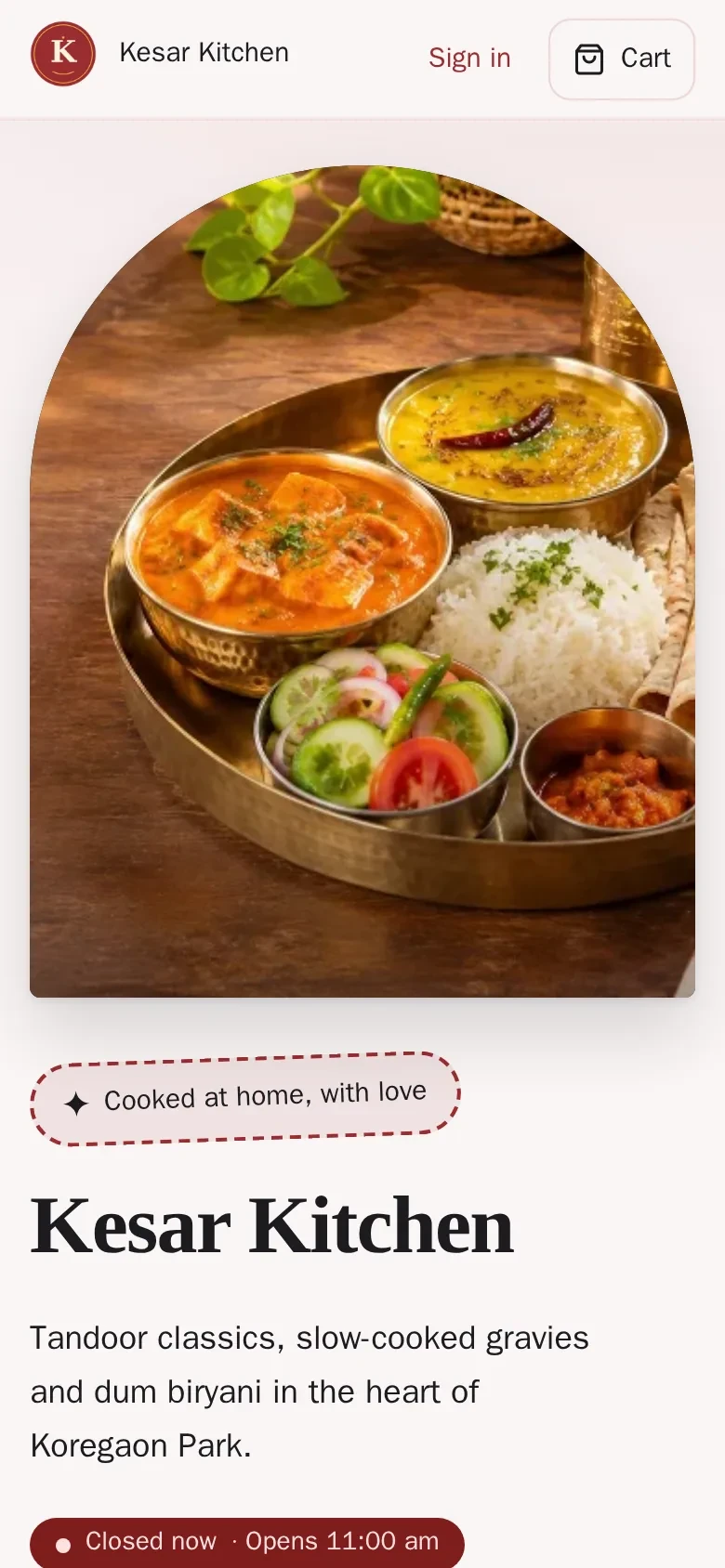
App screens with sample data
What your guests see.
A sample restaurant page on a laptop, in the Classic template.
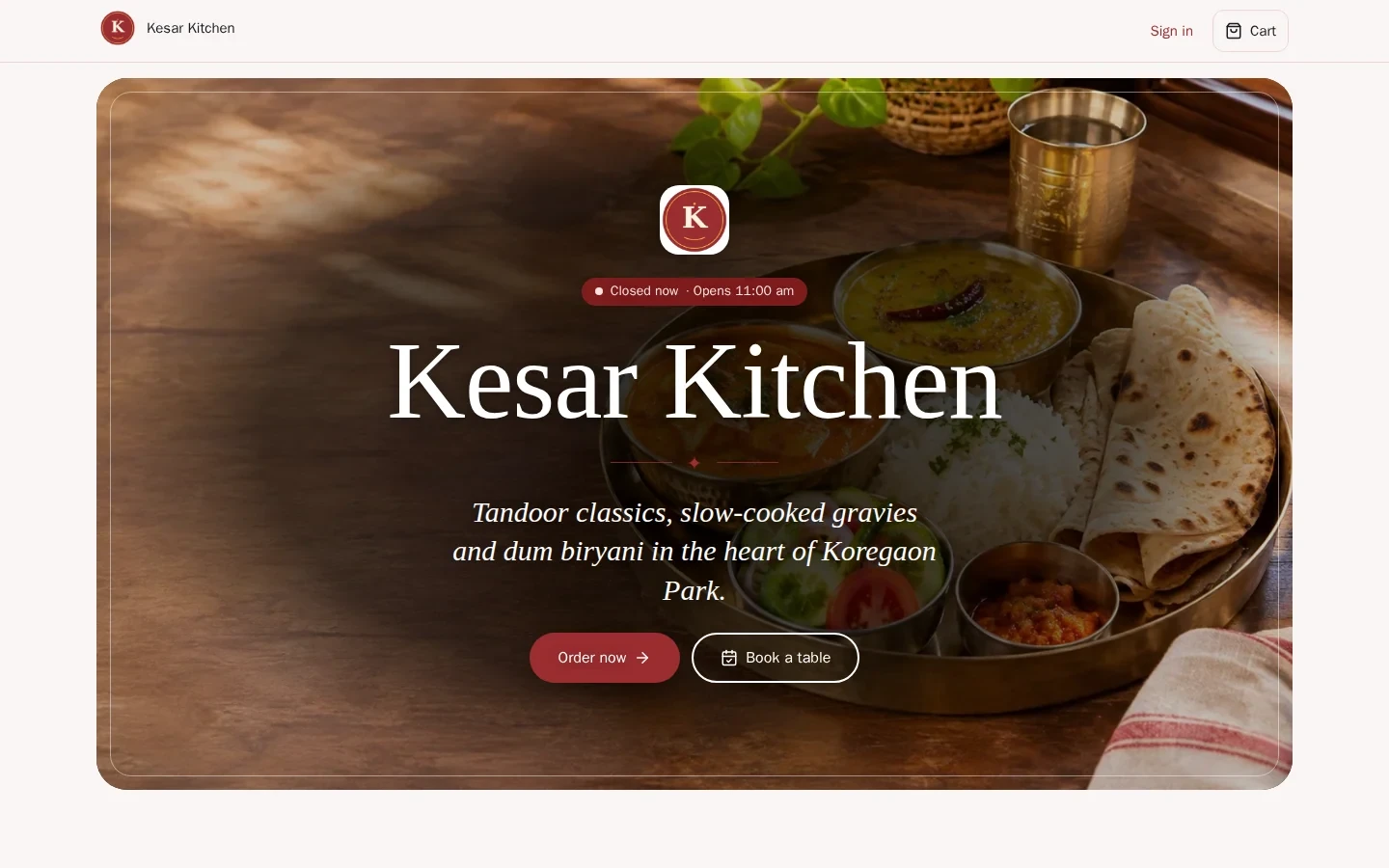
App screen with sample data
Good to know
- The page shows your restaurant first. A small line at the bottom says the page is powered by Zovi.
- Ordering, booking and events show on your page only when they are switched on for your restaurant.
- If you use a full POS, you edit the page in Zentaro Serve. Zovi Business is for restaurants without a POS.
Common questions.
Can my restaurant have its own website with Zovi?
Yes. Your restaurant gets its own website on its own address, such as yourname.zovi.food. You pick a template and a theme, add your photos, then preview and publish. Zovi is launching in 2027.
How many page templates and themes are there?
There are four page templates and nine colour themes. You can change them at any time.
What can I put on my page?
You can add your logo, a hero photo, a tagline, an about text, a gallery and your social links.
How do I choose my address?
You choose the name of your address, and the page checks at once that it is free. Use lowercase letters, numbers and single hyphens, from 3 to 30 characters.
Can I see the page before guests do?
Yes. You can preview the draft, then publish it when you are ready. You can also take the page offline.
Get your restaurant its own website.
Zovi launches in 2027. Tell us what you run today and we will get in touch.
Last updated: