What a QR menu is
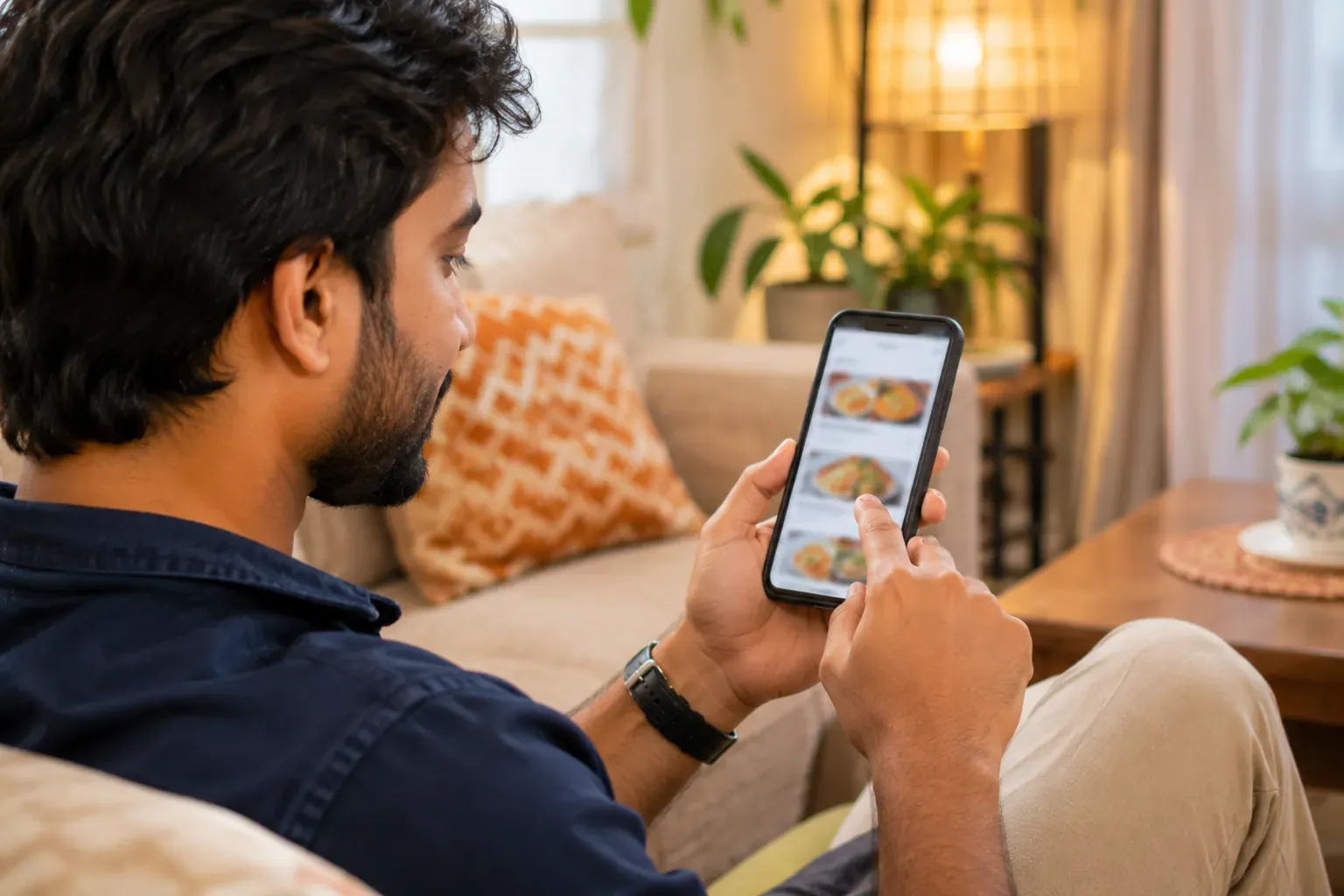
A QR code is a small square picture. The guest points the phone camera at it. A web page opens. For a QR menu, that page is your menu.
The code itself holds only an address. If you change the page behind the address, the printed code keeps working. That is why a good QR menu points to a page you can edit.
A code that points to a fixed file is different. If the file changes, the printed card is wrong.
View-only or ordering
Decide first what the guest should be able to do after scanning. The two choices need different effort.
| View-only menu | Menu with ordering | |
|---|---|---|
| Guest can | Read items and prices | Read, choose and send an order |
| Staff still | Take the order at the table | Prepare what arrives |
| Needs | A page that stays current | A way to receive and track orders |
| Good for | Dine-in with waiters | Counters, takeaway and delivery |
Many places start view-only. It replaces printed menus and costs little. Ordering can come later when your kitchen is ready for it.
Where to place the code
Put the code where the guest already has a free hand and a reason to look. Test each spot with a friend before you print twenty.
- On every table, at the edge nearest the guest, not under the salt shaker.
- At the entrance or counter, for guests who are still choosing.
- On the takeaway bag and the bill folder, so a guest can reorder from home.
- In your social posts and on your window, so passers-by can read the menu before they walk in.
- On the delivery box sticker, pointing to your own ordering page.
Size and contrast
A code that will not scan is worse than no code. Print it large enough and with strong contrast.
Dark squares on a light background scan best. Keep a clear blank border around the code. Do not put a logo that covers the middle. Do not print on glossy paper that reflects the room lights.
Rule of thumb: print the code at least as wide as a matchbox, then test it from a normal seated distance in your dimmest corner.
Add a short line next to the code, such as "Scan to read our menu". Some guests do not know what the square is for.
Keep the menu current
A QR menu that shows a dish you stopped making makes guests unhappy. They order, and your staff have to say no.
- Pick one person who owns the menu page.
- Update prices and dishes on the same day they change in the kitchen.
- Mark items as unavailable when you run out, if your page allows it.
- Once a month, scan your own code and read every line as a guest would.
A checklist before you print
- The code opens the right page on at least two different phones.
- The page loads in a few seconds on a normal mobile connection.
- Prices and item names are the ones on your menu today.
- The text is readable without zooming.
- The card is clean, flat and not worn.
- You have a few paper menus for guests who prefer them.