
This is general information, not legal or tax advice. Rules change, so confirm your own case with a chartered accountant or the official website before you act.
Think of the guest with one hand free
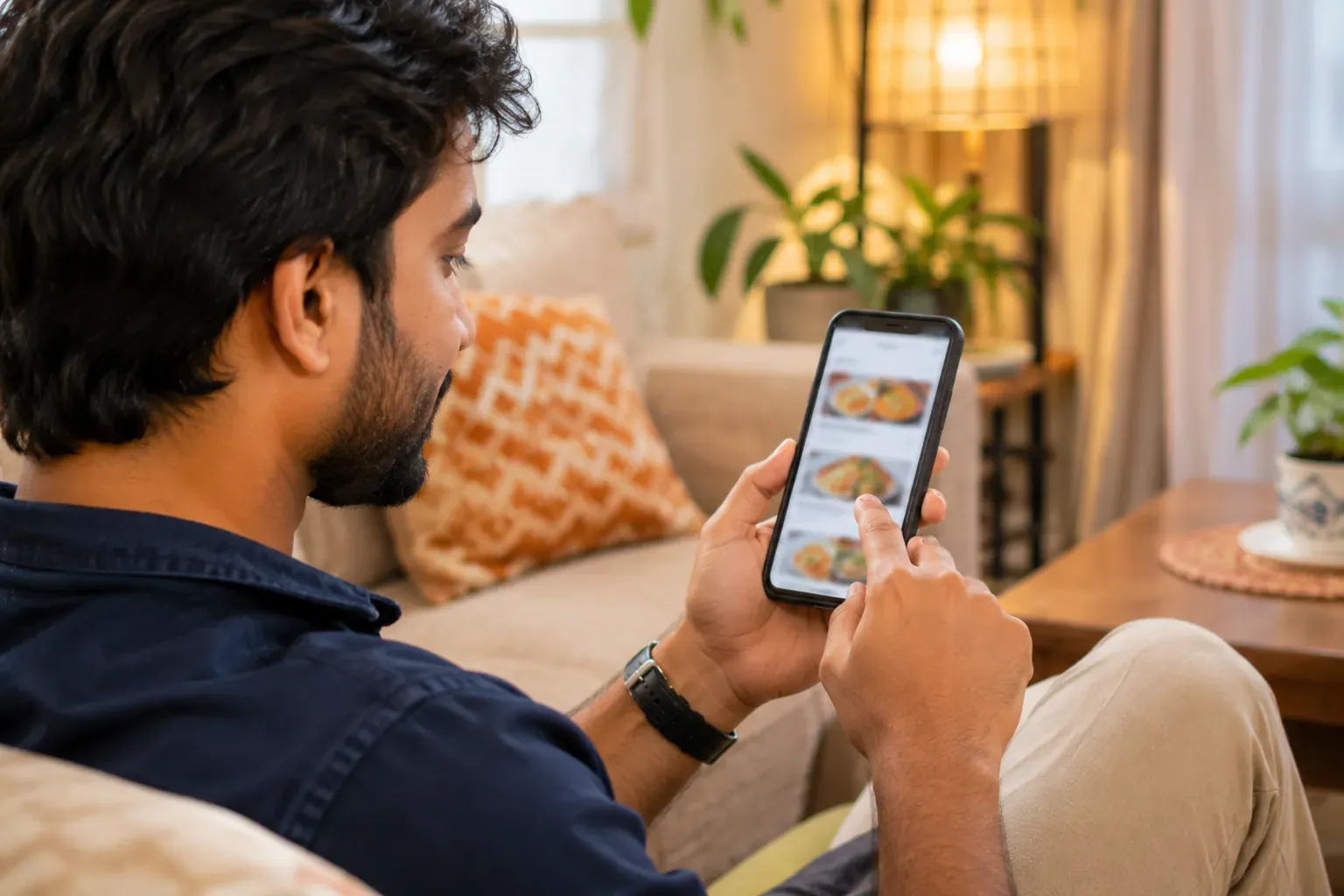
Most visitors arrive on a phone, often while hungry. They want four answers: where, when, what and how. If the page makes them hunt, they leave.
So build the site around those four questions. Everything else is extra.
| Guest asks | Put this at the top |
|---|---|
| Where are you? | Name, address, a tap-to-call number |
| When are you open? | Hours for each day, and holidays |
| What do you serve? | Menu with prices and a few photos |
| How do I get it? | Order link, booking link or both |
The basics, one by one
- Restaurant name exactly as on your board, so guests find the right place.
- Full address with a landmark, and the street entrance if it is hard to find.
- Opening hours for each day, including the closed day and any break between lunch and dinner.
- A phone number that is answered during opening hours.
- A menu with prices, as text and not only as a photo of a paper menu.
- Real photos of your food and your place.
- One clear button to order or book.
Read the page once as a stranger. If anything raises a question, answer it on the page.
The menu page
The menu is the page guests read most. Keep it simple and honest.
| Item | Check |
|---|---|
| Dish names | Same words your staff use |
| Prices | Match the menu on the table today |
| Veg and non-veg | Marked clearly on each dish |
| Portion | Say serves one or two where it helps |
| Not available | Hide or mark dishes you cannot make today |
A text menu loads fast, can be read on a small screen and can be found by search. A photo of a paper menu is slow and hard to read.
Rules and licence display
Many restaurants show their food licence number on the website and bill. Rules on what to show and where differ by business. They can also change.
Ask yourself: do I know which details I must display? If not, find out before you launch.
This is general information. Confirm what you must display, including your food licence and tax details, with the official website or a chartered accountant.
Speed on a phone
Test the page on a phone with a normal mobile connection, not on office wifi. If it takes more than a few seconds to show the menu, guests will go.
- Make photos smaller before you upload them. A full camera file is far too big.
- Use few photos on the first screen.
- Keep the text big enough to read without zooming.
- Put buttons far enough apart for a thumb.
The final checklist
- Name, address and hours match your board and your other listings.
- The phone number works and is answered.
- Menu and prices are today prices.
- Photos are your own and load quickly.
- The order or booking button works from a real phone.
- Your licence and tax details are shown as you have confirmed.
- You have shared the link on social posts, WhatsApp and a printed card.